Image
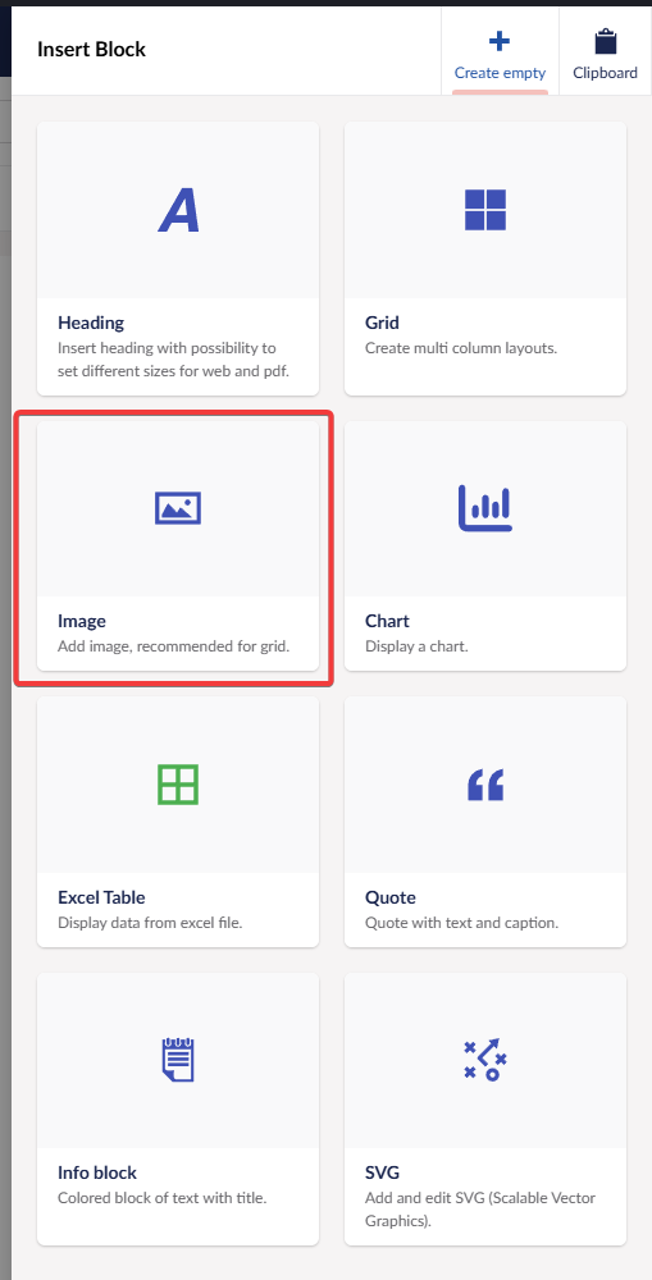
Image block is great to use within the grid, but can also be inserted in editor without the grid. Benefits of using image block is that it always uses aspect ratio, which you can select and then using that you can crop the image how you like and if the original image is big it will be optimized to your crop. For grid big benefit is that images will be always in same aspect ratio, so they will align if you use them in multi column layout.
Properties
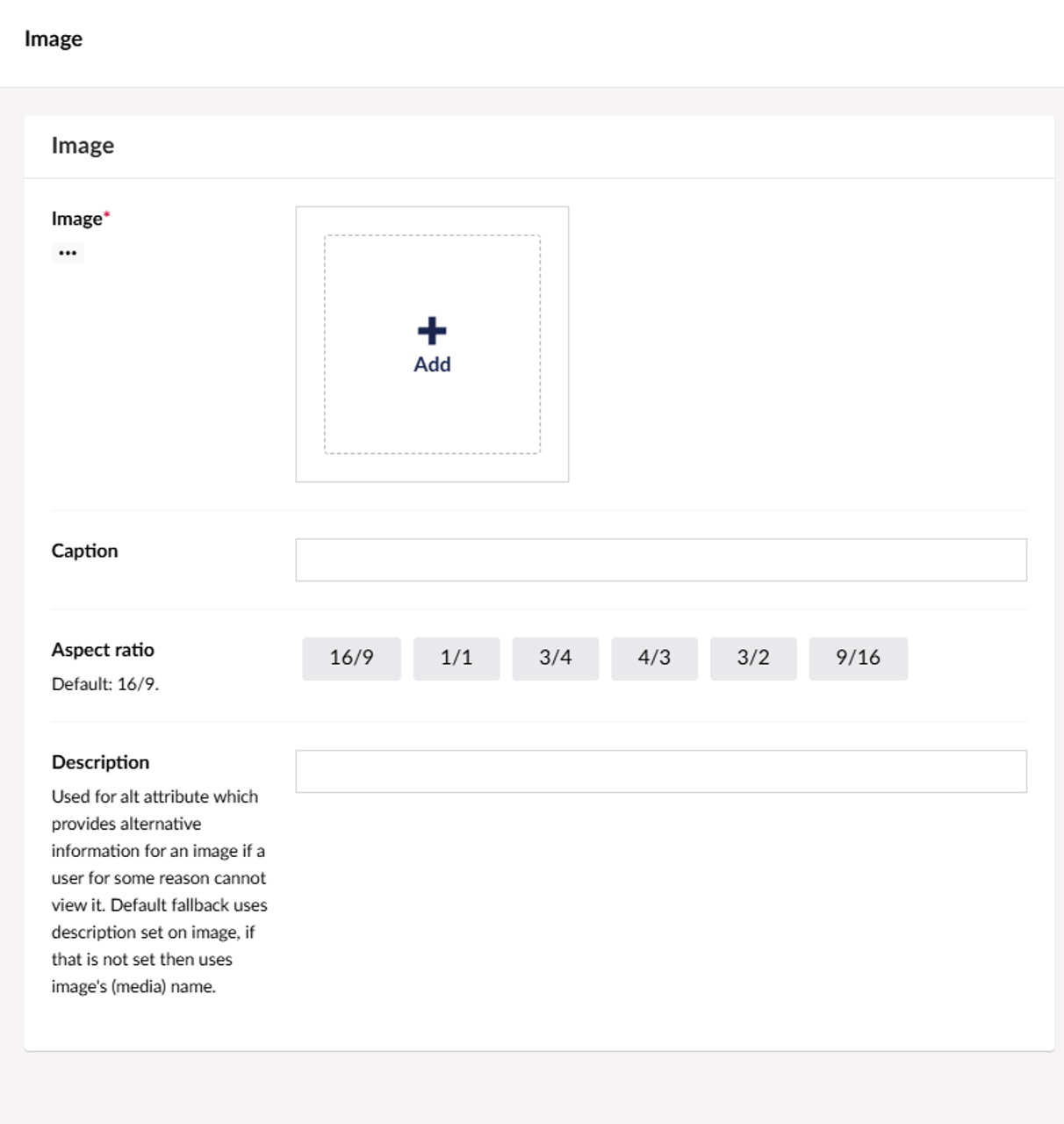
Select the image and the aspect ratio, by default aspect ratio is 16/9 (landscape). You can also set caption, that appears under the image as visible descriptive text. And description property is used for describing image in case image is not viewable for any reason.
Cropping
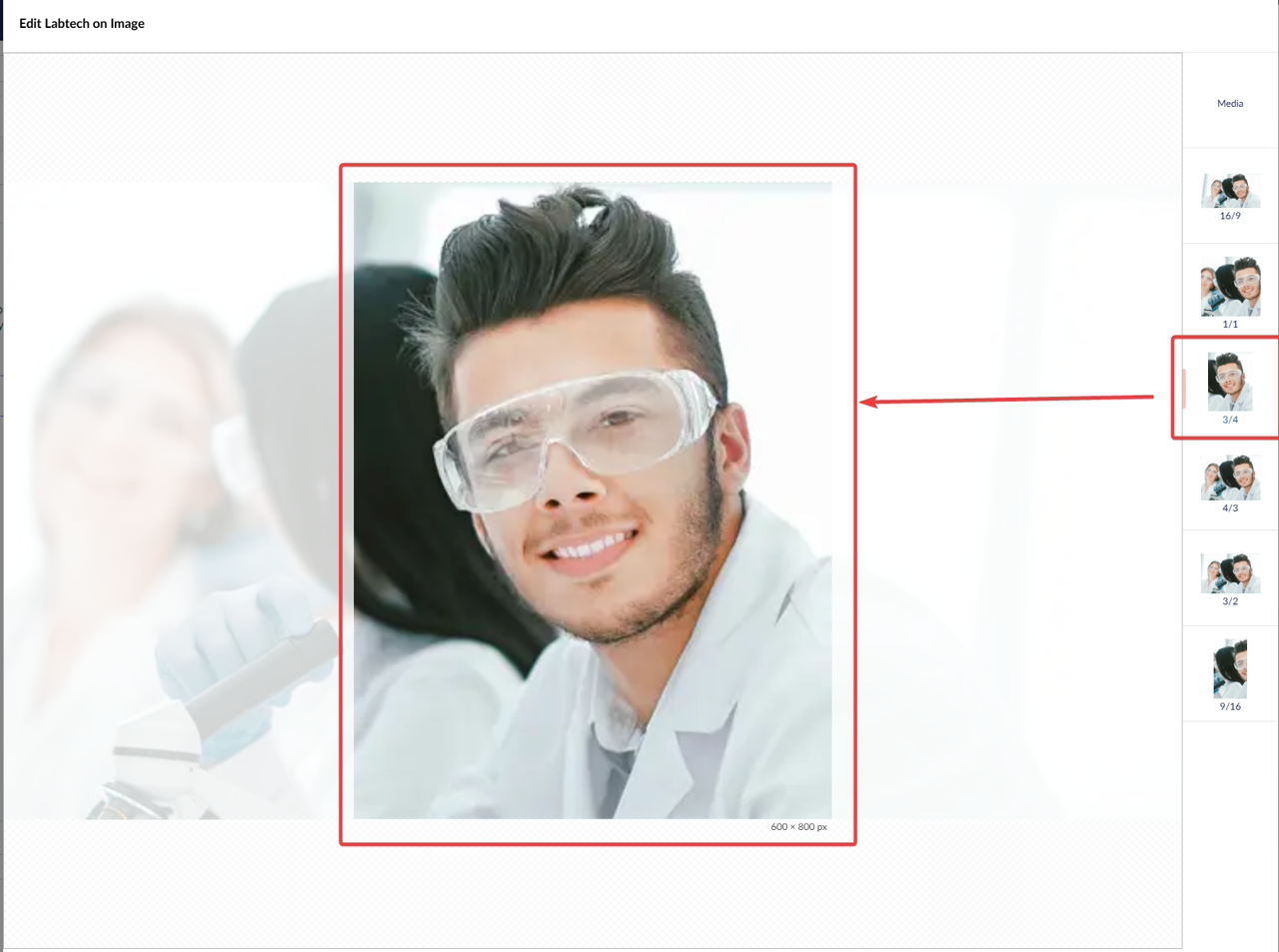
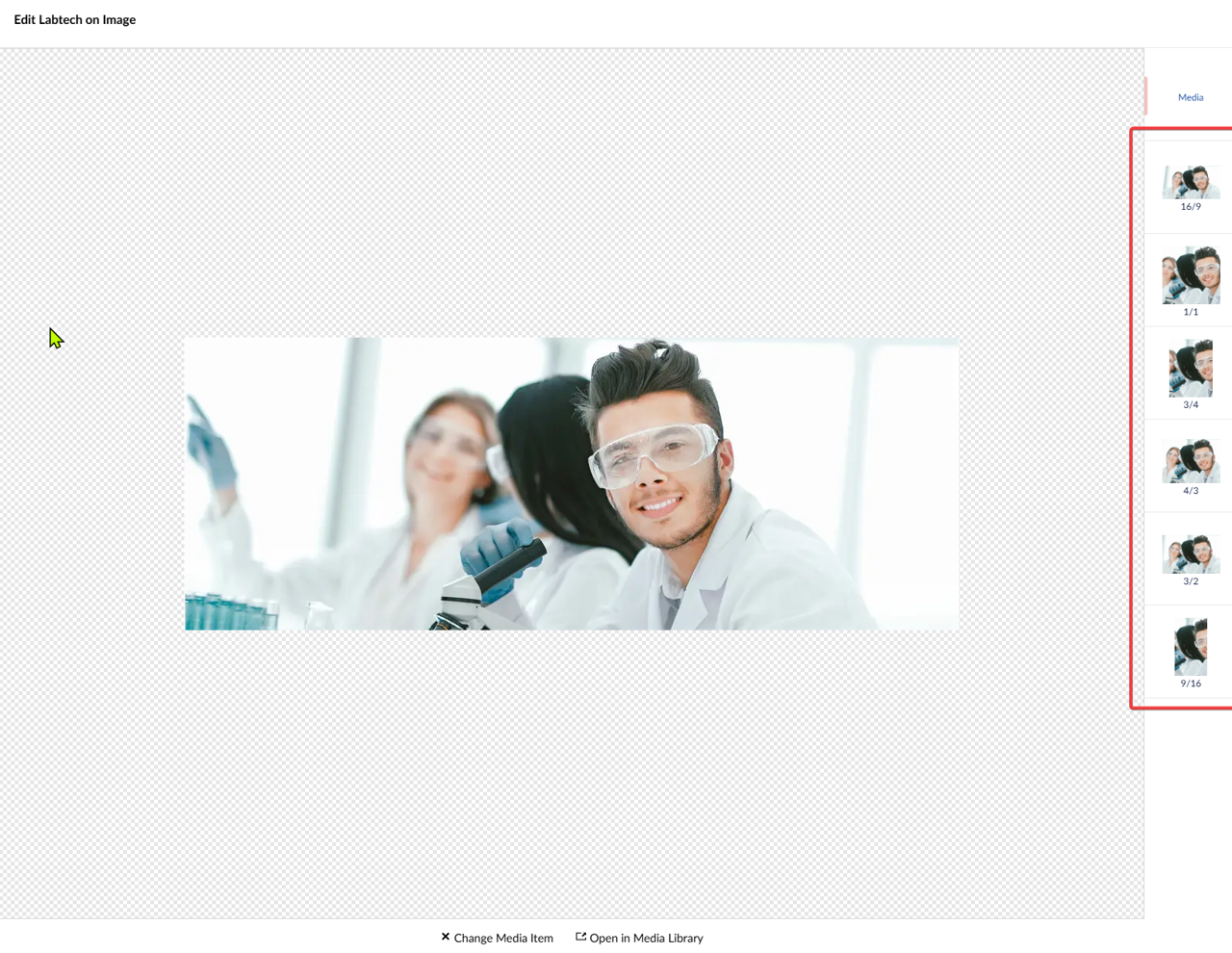
Open the image that you selected, on the right you can see available crop options, select the on you have selected in the image block properties.
For example if you had selected 3/4 aspect ratio, click here on that and then crop the image how you like by holding and moving left mouse click.