Rich Text Blocks
In the rich text editor it's possible to insert a block, which allows more complex design features.
To insert or paste block click on block icon in the rich text editor menu

It will open selection of blocks:
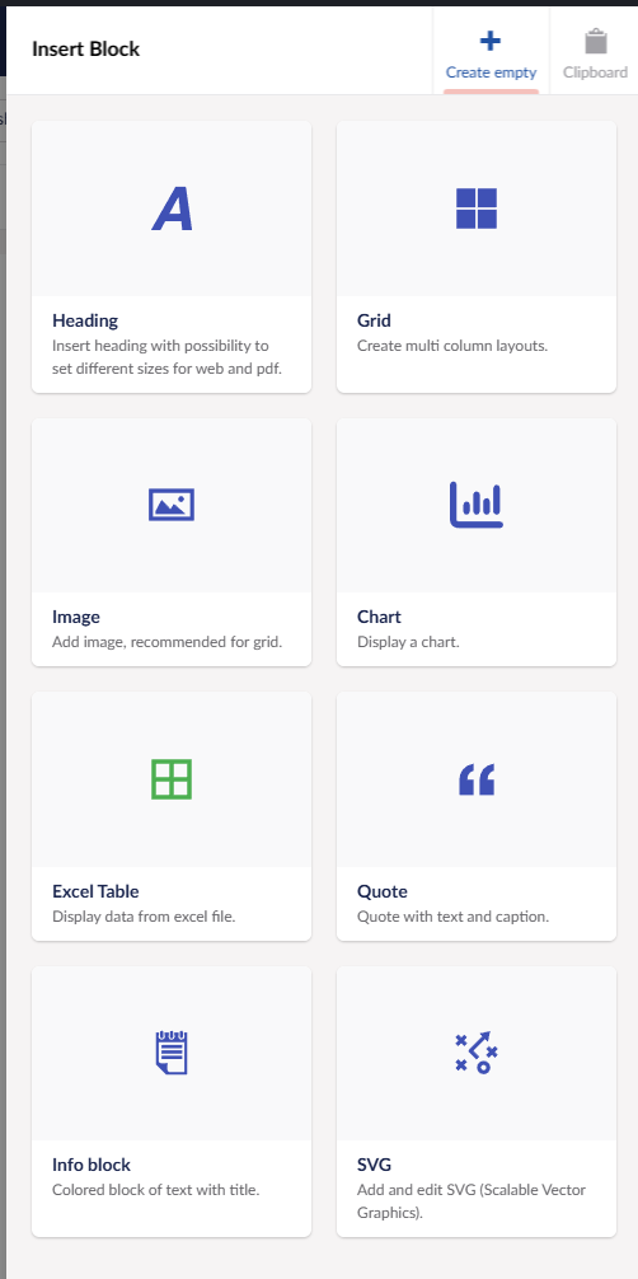
Each block is explained in details, see the sidemenu.
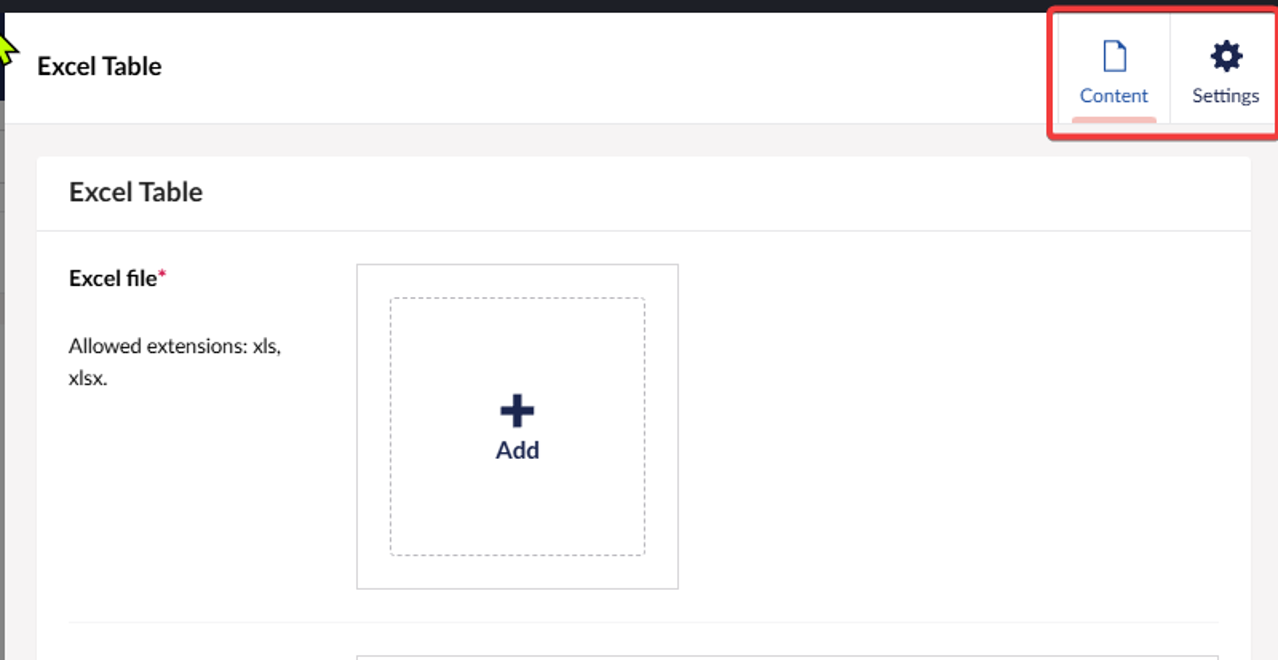
Content and settings tabs
Block can have content and settings tab, content has the most important properties for block to work and in the settings (top right) there can properties that can help to achieve some special behaviour.
Copying blocks
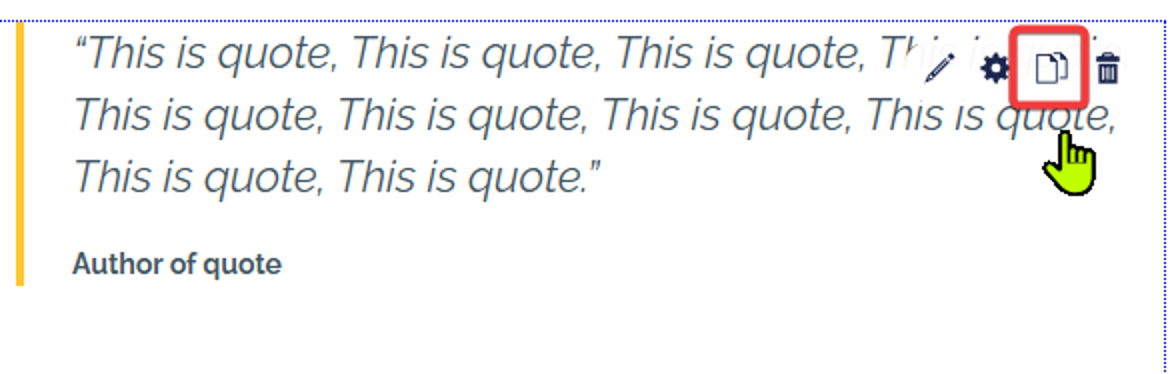
To copy a block hover over it - action buttons will appear in the top right, click on the copy icon.
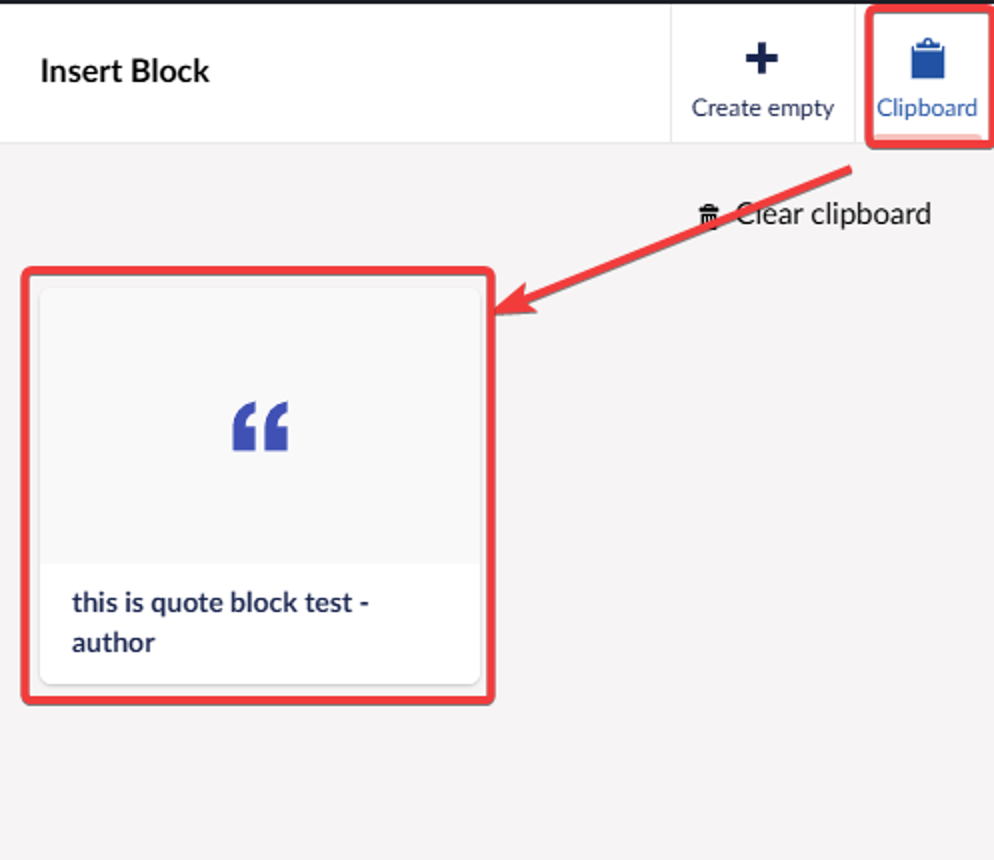
Block will be saved in clipboard and then when adding new block you press on the clipboard option top right and it will show all the blocks you have copied and choose the one you want to be inserted. Note: there is difference between blocks in editor and blocks in Grid block, they are stored differently so they can't be cross copied.