To adjust page breaks
When all the content of the report is ready, it is time to adjust the page breaks in the pdf document. A tip is to wait with this until you are completely satisfied with text, images, graphs and tables. A small change can affect the page breaks in the entire document and then there can be duplication of work .
There are three possibilities to control page breaks in the pdf document.
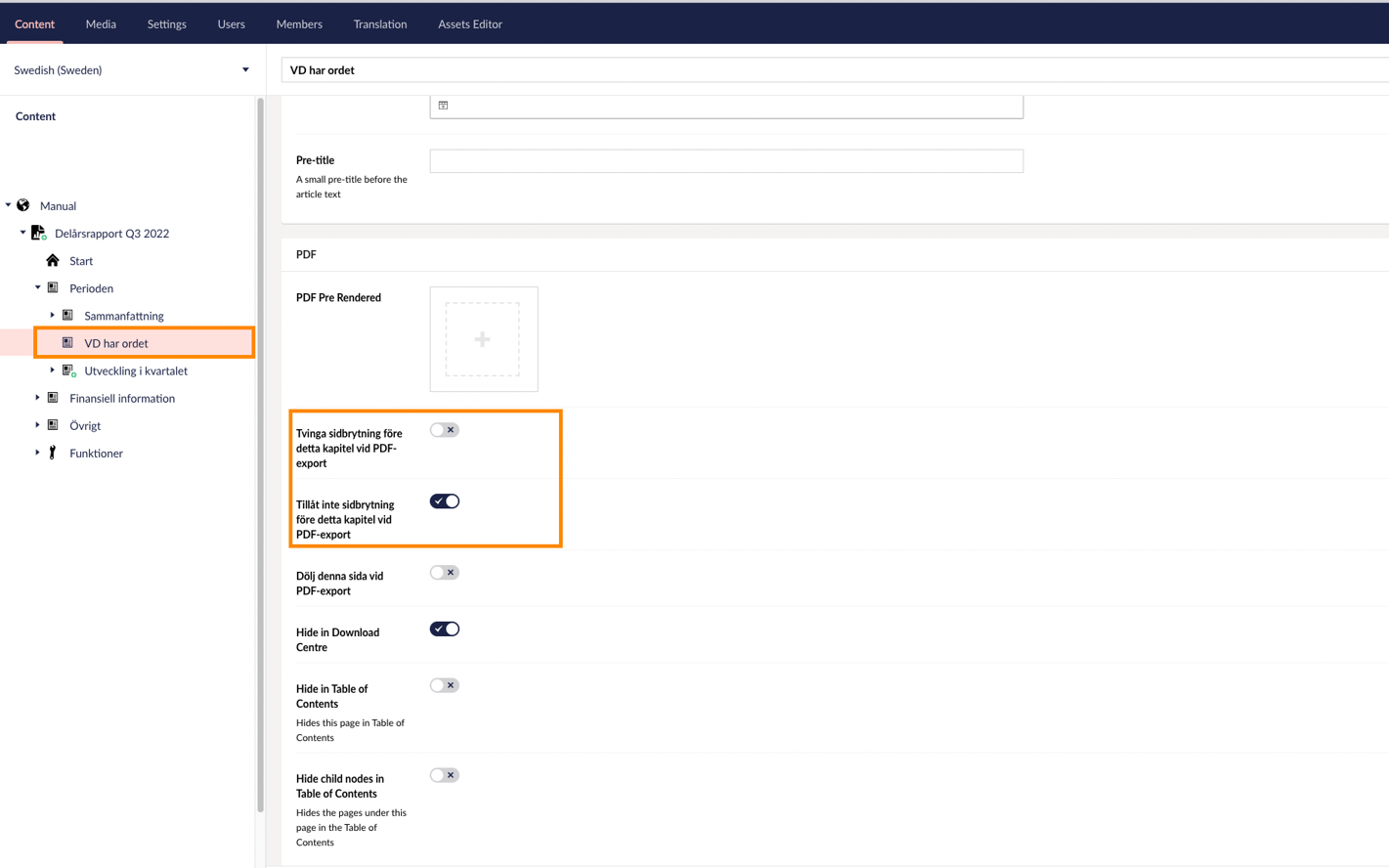
1. On the respective article page
Page break before or after page. Go into Content and navigate to the page where you want to change the page break. Under the "PDF" tab at the top, there are a number of checkboxes that affect the page breaks. Tick the one that fits, save and publish. Download the pdf document to see if it produced the desired result.
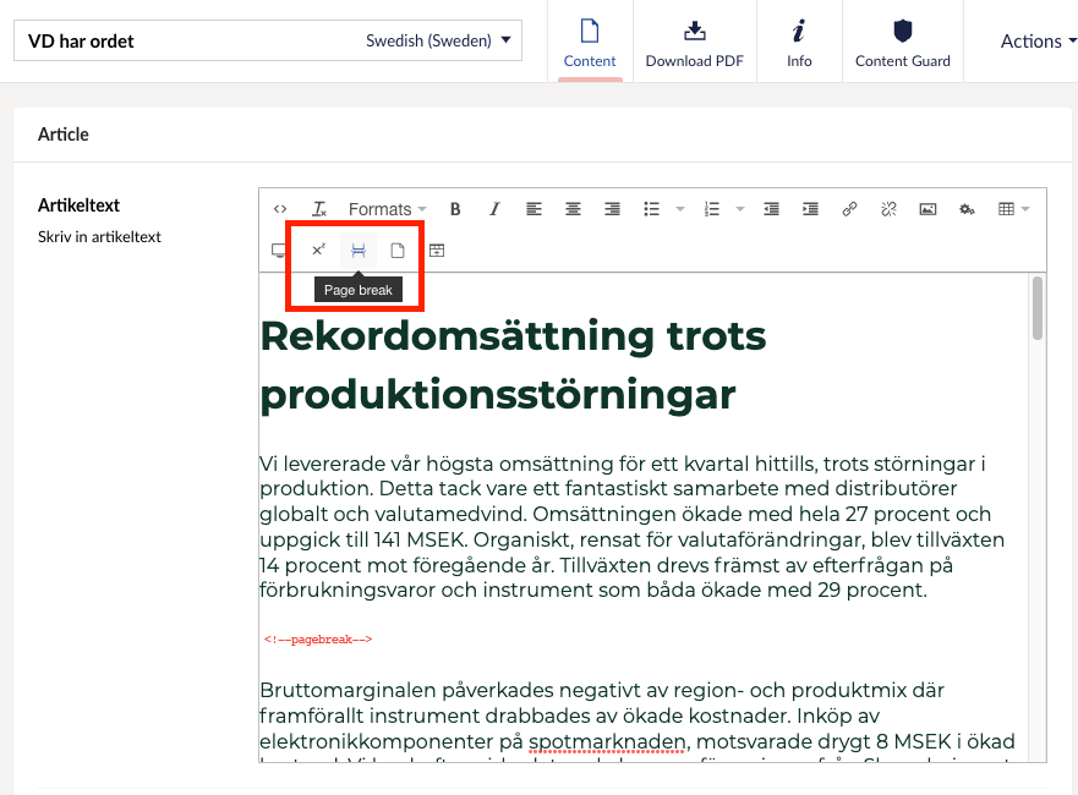
2. In running text
page break in the middle of text. Go into Content, place the cursor where you want the page break to be, press the "page break" button.
A page break command is then inserted into the text. Save and publish. Preview by downloading the pdf in the download center.
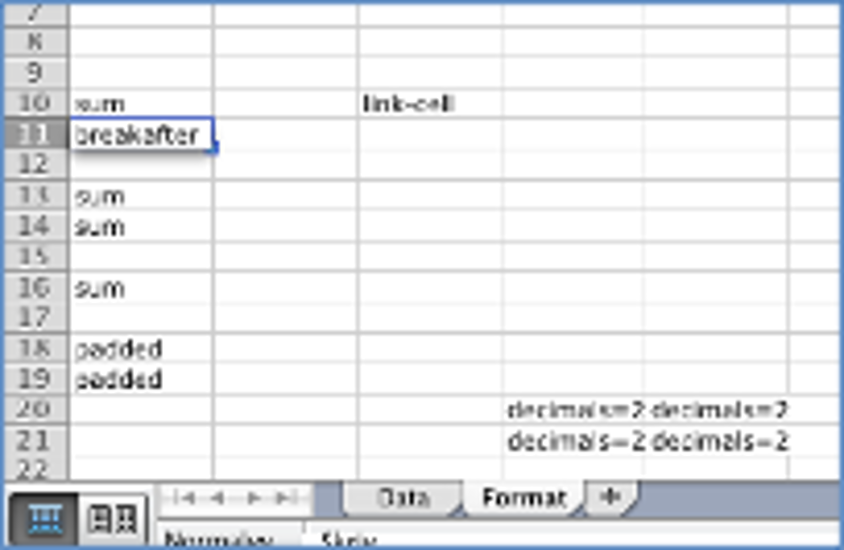
3. In an excel table
download the excel file, go to the format tab, enter the line command breakafter on the line where you want the table to break. Save on computer. Upload the table, save. Download the pdf, see how it turned out.