Update navigation and lock the report
At the top right of each report are links to previous reports. After publication, this will be updated.
-
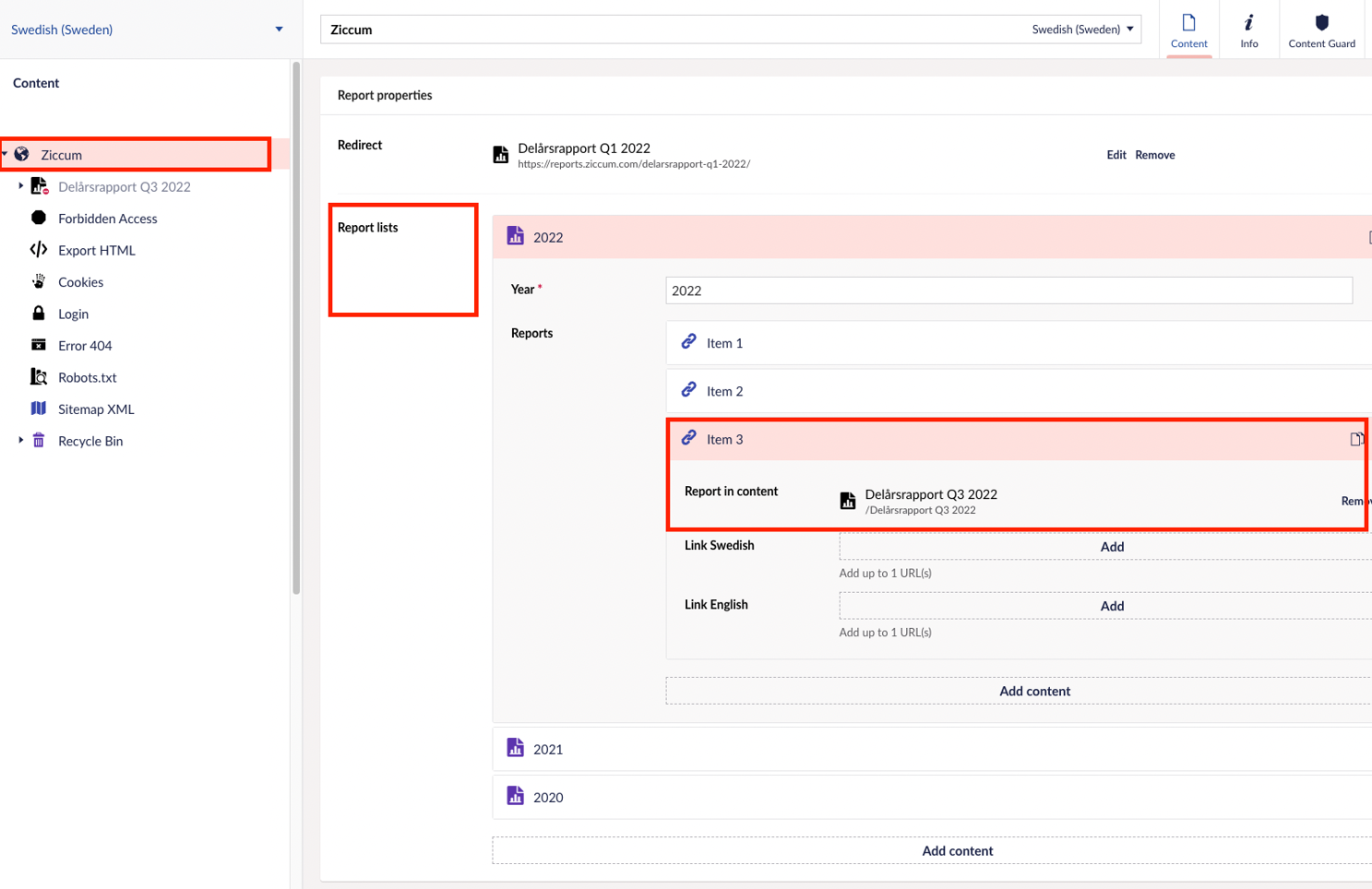
In content: right-click on the highest node (customer name).
-
Select report lists and then year. If the year does not exist, you can create a new year.
- Select add content to add a new report.
- If the report has two languages, use "Report in content" and select the report node. If unsure look at previous reports.
If the report is only in one language, direct links must be inserted or if you want to link to external links or PDF files. - Notify your KAM that you are finished and then the report is locked so that no changes are made by mistake.
Latest updated: 11/13/2024 2:22:09 PM by claudia.iuvara@oxkom.se