Backup for excel files
You can restore all uploaded Excel files by using the backup function.
1. Go to the section where the Excel file is uploaded and click on the relevant file.
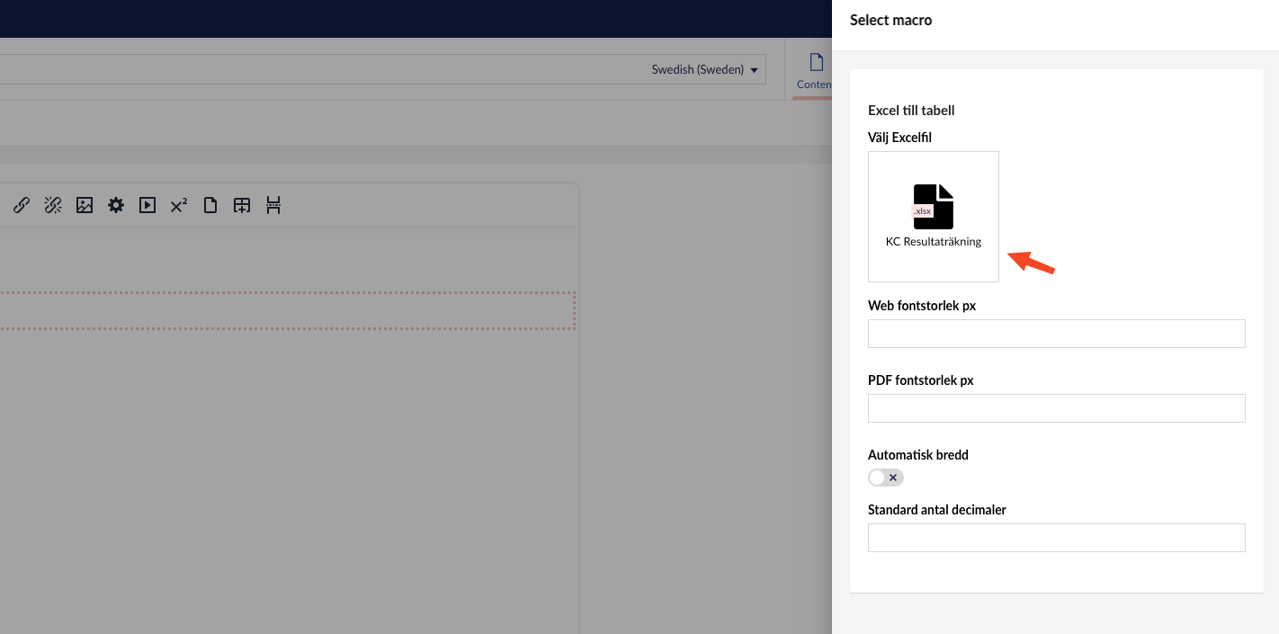
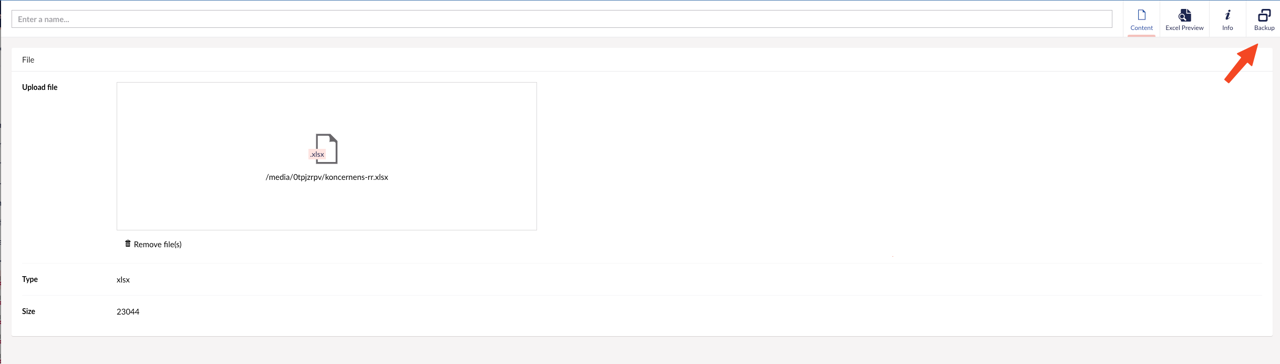
2. An overview of the uploaded file is then displayed along with relevant information.
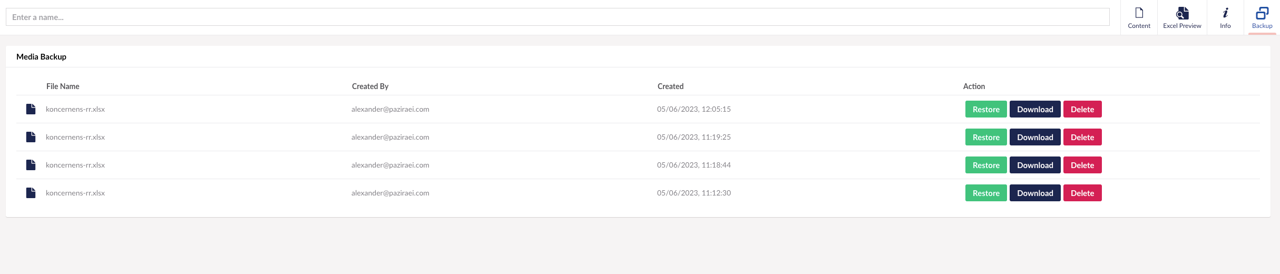
3. Click "Backup" to see all available versions of the Excel file.
4. From this view you can then restore, download or delete a file.
Latest updated: 11/13/2024 2:06:45 PM by claudia.iuvara@oxkom.se